
Digital Business Card for Gym Owners and Fitness Coaches
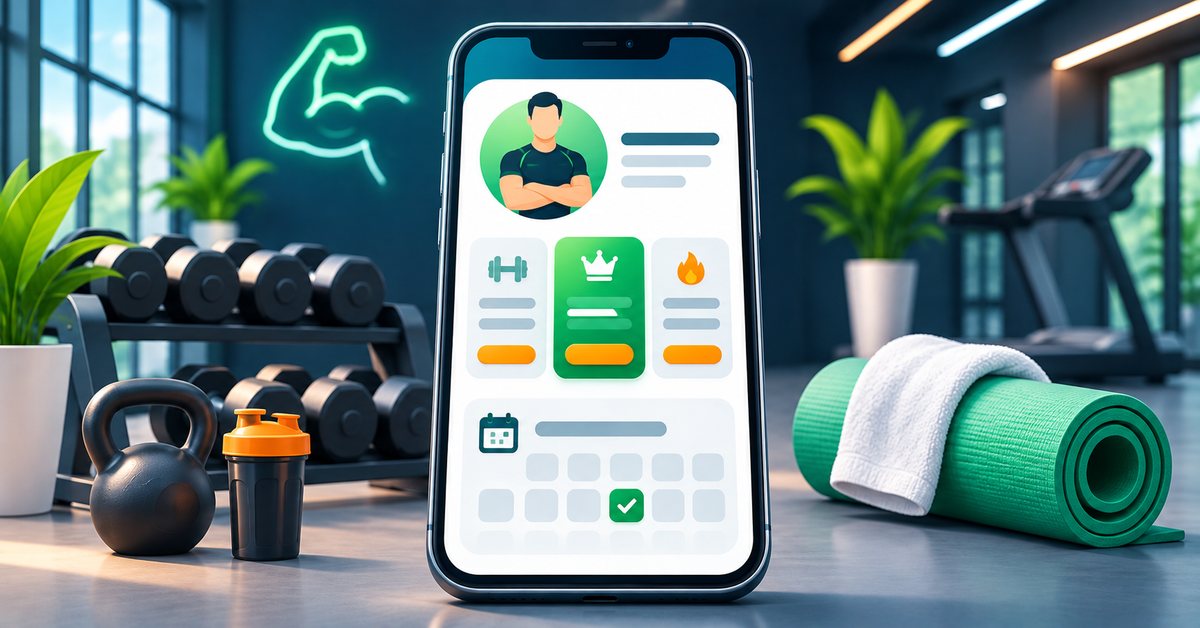
Fitness is a business of trust and routine. People pick a gym or a coach after seeing proof, asking friends and checking the price. Then they decide in a moment whether to message you or move on. A digital business card helps with that moment: one page that shows who you are, what you offer and how to reach you, shared by a tap or a QR code. This guide covers what to put on it and how to use it day to day.
Why a card suits a fitness business
Most enquiries for gyms, studios and personal training come from people nearby or from your social media. They look at your Instagram, ask "what are the timings and fees?" and expect an answer fast. A card keeps those answers in one place, so you stop repeating the same message to every new person.
It also travels well. A trainer can hand the card to a new client at the end of a session. A studio can put a QR code on the front desk, on a notice board or on a pamphlet. The link never changes, even when your batches or fees do.
What to put on a fitness card
The basics, at the top
- Your name or the gym name, and one line on what you do, such as "Strength and fat-loss coaching" or "Hatha and power yoga".
- A clear photo or logo.
- Call and WhatsApp buttons, so a person can ask a question straight away.
- Location with a map link and your opening hours.
Programs and plans
Use the services section for your programs: weight loss, strength, yoga, Zumba, kids' batches, women-only batches. Add the products or services listing for membership plans, with monthly, quarterly and yearly options. Write what each plan includes in plain words, and keep the price current.
Batch timings
Business hours can show your gym timing. If you run separate morning and evening batches, say so in the description of each program.
Proof
- A gallery of your space, equipment and classes. Show people the place before they walk in.
- Testimonials from members, written in their own words.
- Before and after photos only with the written consent of the person, and without any promise of a result. Everyone's body responds differently.
Social links
Add Instagram, YouTube and any other page where you post workouts. Your card turns a curious follower into an enquiry.
Turn interest into action
A few features, where your plan includes them, help you move from "looks good" to "booked":
- Free trial booking: use the appointment feature to let people pick a slot for a trial session. A visible date and time feels more real than "message us".
- Enquiry form: some people prefer to leave their name and number and wait for your call. An enquiry form captures them at any hour.
- WhatsApp button: the fastest route for most people. Keep a short pre-filled message such as "Hi, I would like to know about your plans".
- Payment links: if you collect fees through UPI or a payment link, add it so members can pay without searching for your number.
Not every feature is on every plan. Check the pricing page before you plan around one.
A simple setup checklist
- Choose a template from the templates page. You can change it later without changing your link.
- Add your name, photo, phone and WhatsApp.
- List two to four programs with a line each.
- Add your plans and current prices.
- Upload six to ten good photos of your space and classes.
- Add two real member testimonials, with permission.
- Add your location, timings and social links.
- Open the card on your own phone and test every button.
- Print the QR code or order an NFC card or standee from the shop.
Where to share it
- On the front desk or reception, as a QR standee.
- At the end of a free trial, as a tap-to-save card.
- In your WhatsApp status and Instagram bio.
- On the back of membership forms and pamphlets.
- In the group of current members, so they can refer friends easily.
Be honest and careful
Do not promise weight loss in a fixed number of days. Do not claim medical benefits. If you offer diet advice, make clear whether you are a qualified dietitian. Clear and honest information builds the long-term trust that keeps members renewing.
Who benefits most
Independent personal trainers who work from several places, small gyms and studios with changing batches and prices, and yoga teachers who get most of their clients through referrals will see the clearest gain. A large chain with its own app may find a card less necessary, although individual trainers in the chain can still use one.
Getting started
If you have not yet ordered a physical card, the ordering guide explains the steps from checkout to delivery, including the design approval by our designer.
FAQ
Can I list different prices for different batches? Yes. Add each plan as its own item with its own price and description.
Can members book a class on the card? You can offer appointment slots for trial sessions and consultations where your plan includes the booking feature. Ongoing class attendance is better handled in your own system.
Do I need a website? No. The card is a small, mobile-friendly page of its own.
Can I change the card after printing the QR code? Yes. The QR code opens your card link, so any change you make shows up straight away.