
Digital Business Card for Wedding Photographers and Event Planners
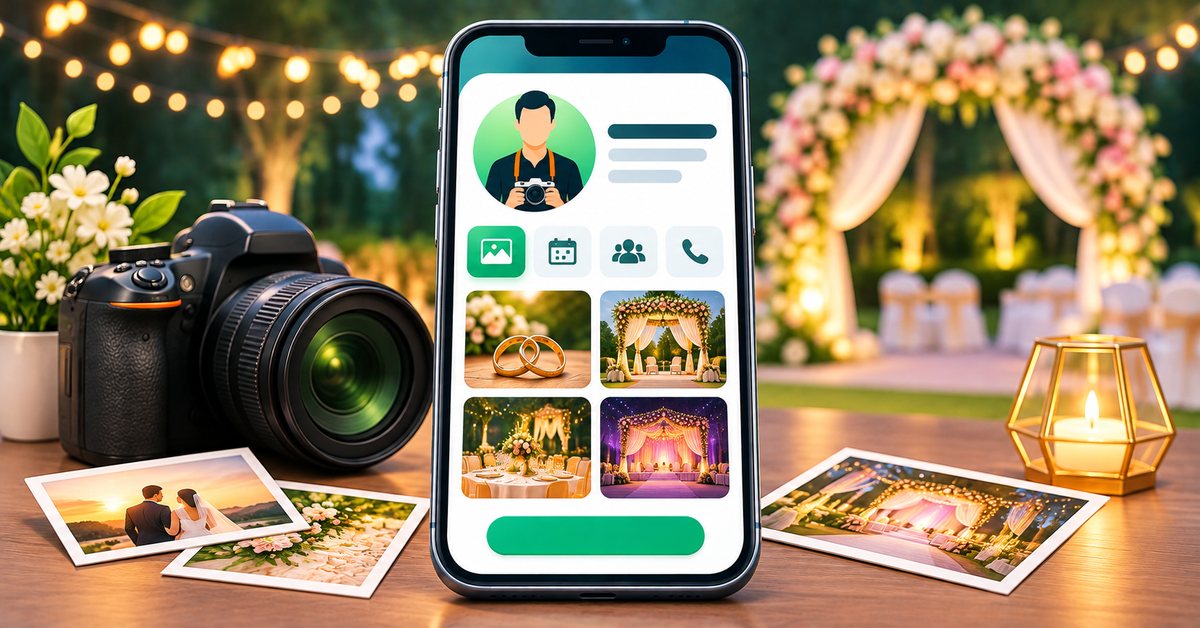
In wedding and event work, people hire what they can see. A couple chooses a photographer after looking at albums, not after reading a paragraph. A family picks a decorator by the photos of past setups. That makes a business card an odd fit, because paper has no pictures of your best work. A digital business card fixes this by putting your portfolio, packages and contact details in one page, shared with a tap or a QR code. This guide is for photographers, videographers, decorators, makeup artists, DJs and planners.
Why the portfolio matters most
A first call in this trade usually goes: "Can you share some of your work?" You then send a long list of links and a few files by WhatsApp. A card replaces that with one link that always shows your best, most recent work in a tidy order.
Fairs, exhibitions and word of mouth are common sources of business here. A person at a wedding fair will take many cards. One that opens on a photo gallery stays in memory better than a name on a piece of paper.
What to put on the card
First impression
- Your name or studio name, a short line on your style, such as "Candid weddings and pre-wedding shoots" or "Floral and theme decor", and your city.
- A strong profile photo or logo.
- Call and WhatsApp buttons at the top.
Portfolio
- Upload your best photos to the gallery. Use categories such as Wedding, Pre-wedding, Engagement and Decor, so visitors can filter.
- Add a showreel or a highlight film as a YouTube link, where your plan allows embedded videos.
- Link your Instagram so that people can see recent work.
- Only publish photos of clients with their consent, especially for faces, children and private ceremonies.
Packages
Use the services section for what you offer: candid photography, traditional photography, cinematic film, drone shots, albums, decor themes, bridal makeup. Use the products or services listing for packages, with what each includes and a starting price or a note that prices depend on the date and place. Be clear on travel, extra hours and delivery time for photos and videos.
Reviews
Add real reviews from earlier couples and families, in their own words, with their permission. Real, specific comments are worth more than a long list of adjectives.
Location and coverage
State the city you are based in and where you travel for work. A map link helps clients who want to visit your studio or office.
Turn a look into a booking
Where your plan includes them:
- Enquiry form: ask for name, phone, event type, date and city. This is the information you need to check availability, and it saves the back-and-forth.
- WhatsApp button: many clients prefer to chat. Set a short pre-filled message, such as "Hello, I would like to check your availability for a wedding".
- Booking slots: offer a time for a call or a studio visit, so that clients can pick a slot instead of waiting for a reply.
- Payment link: add a UPI or payment link for booking advances, so that clients can confirm a date quickly.
Check the pricing page for which features each plan includes.
A simple setup checklist
- Pick a template with a strong gallery from the templates page.
- Add your name, logo, phone and WhatsApp.
- Upload 15 to 25 of your best images, sorted by category.
- Add a showreel link and your Instagram.
- List your services and a clear package overview.
- Add three to five real client reviews.
- Add your city, coverage area and an enquiry route.
- Test the card on your own phone, including how fast the gallery loads.
- Order an NFC card or standee from the shop for fairs and meetings.
Where to share it
- At wedding fairs and exhibitions, on a tap card or a QR standee at your stall.
- With venues, caterers and planners who refer clients, as a card they can forward.
- In your Instagram bio and WhatsApp business profile.
- On the back of your printed album covers and in the box with delivered albums.
- At the end of an event, so that guests who are planning their own can find you.
Keep it honest and light
Show real work, not stock photos or work of other studios. Do not claim to be the number one or the best in the city. Be clear on what is included in a package and what is extra. Clients are planning one of the biggest days of their lives, so clarity builds trust.
Keep the gallery light. Very large images make the page slow on mobile data. Resize photos before uploading.
Who benefits most
Freelance photographers and small studios that depend on referrals, decorators and planners with a visual portfolio, and makeup artists who work across many venues will see the biggest gain. A card is also handy for people who work in several cities and need a single page to point to.
Getting started
The ordering guide explains how a physical card or standee goes from order to design approval to delivery.
FAQ
Can I show separate galleries for weddings and pre-weddings? Yes. Gallery categories let visitors filter your work.
Can clients check my availability on the card? You can offer booking slots for calls or visits where your plan includes appointments. For event dates, an enquiry form or WhatsApp message is usually clearer.
Can I add a video? Yes. You can add a YouTube link where your plan includes embedded videos.
Do I have to ask clients before showing their photos? Yes. Take their consent, particularly for private or family ceremonies.