
Do NFC Business Cards Work on Every Phone?
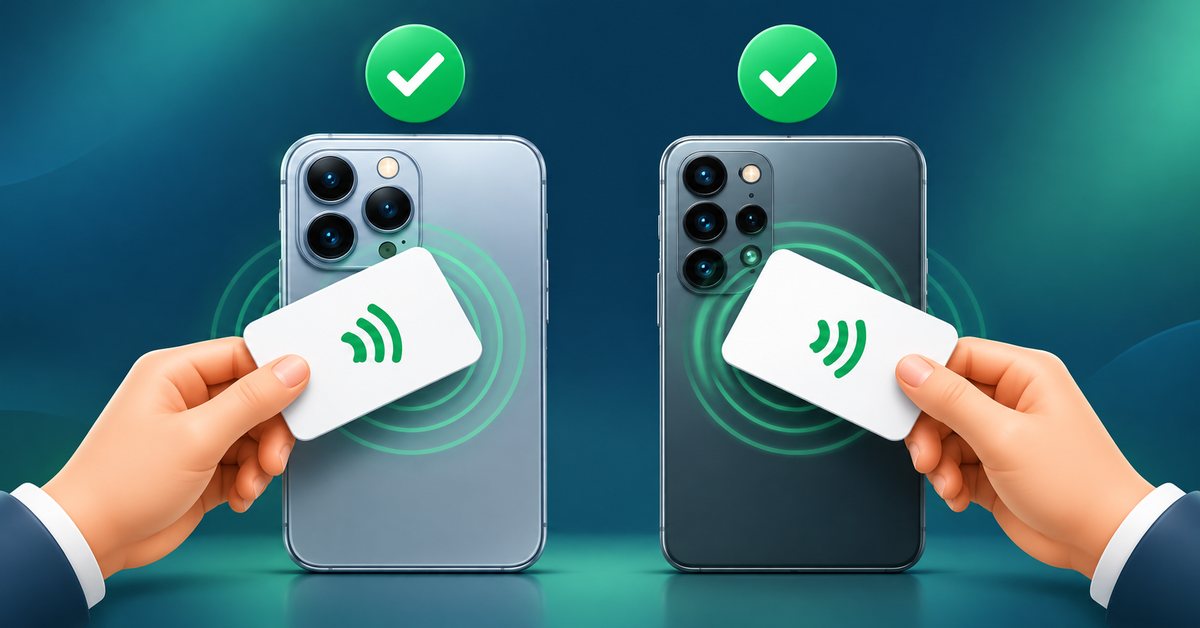
The most common worry before buying an NFC business card is simple: "What if my customer's phone does not read it?" The short answer is that most phones from the last several years do, but there are a few details worth knowing so you are never caught out at a meeting.
How the tap works
An NFC card has a small chip and antenna inside. When a phone with NFC comes close, the phone powers the chip for a moment and reads the web link stored on it. The phone then offers to open that link. Your card does not need a battery and does not connect to anything by itself.
iPhone
Modern iPhones can read NFC tags in the background. This is available on iPhone XS and newer models, including the iPhone 11 and later. You do not need to open any app. Hold the top back of the phone near the card, and a notification appears at the top of the screen. Tap it to open the digital card.
Older iPhones, such as the iPhone 7 and 8, can read NFC only through a scanning option or a specific app, so these users are better served by the QR code on your card. If someone has an iPhone that is much older, the QR code is the right backup.
Android
Almost all current Android phones from the major brands have NFC. A few budget models leave it out, and a few have it turned off by default. Open the phone settings, search for NFC and switch it on. Once on, hold the back of the phone, usually near the camera area, against the card. The link opens in the browser, often after a short prompt.
Because Android phones place the antenna in different spots, if the first try fails, move the card slowly across the back of the phone rather than pressing harder.
Common reasons a tap does not work
- NFC is switched off on an Android phone.
- The screen is locked. Some phones only read tags when unlocked.
- A thick case or a metal plate in the case, such as the plate used for a magnetic car mount, blocks the signal. Remove the case or the card will not be read.
- Wrong spot on the phone. Try the upper back area and move slowly.
- A metal surface under the card. Hold the card in your hand rather than on a metal table.
- A very old phone without NFC at all.
Always have a backup
For this reason, a good NFC card includes a QR code or a short link. If a tap does not work, the other person scans the code with the camera and gets the same page. This way no one is turned away, and your card works for every phone that has a camera and a browser.
Does the person need an app?
No app is needed on either iPhone or Android to open a card. The digital card opens in the regular browser. They can save your contact, call you, message you on WhatsApp or open your location. If you want to manage your own card on the go, that is where an app for your account can help, but visitors never need one.
Does tapping share the other person's data?
No. When someone taps your card, their phone reads a link from your card and opens it. The card does not read anything from their phone. What they do on your page, such as filling a form, is their choice.
Testing before you hand it out
Before you give cards to clients, test yours on two or three phones, ideally one iPhone and one Android, with and without a case. Note where each phone reads it best, so you can show people the right spot the first time. A short demonstration of "tap here, on the back" at a meeting is usually all it takes.
What this means for buying
If most of your clients use recent smartphones, NFC is safe to rely on. If you deal with many older phones, order a card that has a clear QR code printed on it, and mention the short link in your messages. You can see card options in the Sharevo shop, the ordering steps explain how your card is encoded and tested before dispatch, and the pricing page shows what the digital card plans include.
FAQ
Which iPhones read NFC business cards? iPhone XS and newer read them without opening an app. Older models can use a scanning option or the QR code.
Why does my Android phone not react to the card? Check that NFC is on, the screen is unlocked and any thick or metal-backed case is removed.
Does the card work through a phone case? Usually yes for a thin plastic or silicone case. Metal plates and thick wallet cases can block it.
What if the phone has no NFC? Use the QR code or the short link on the card.