
Get More Google Reviews With a Tap-to-Review Standee
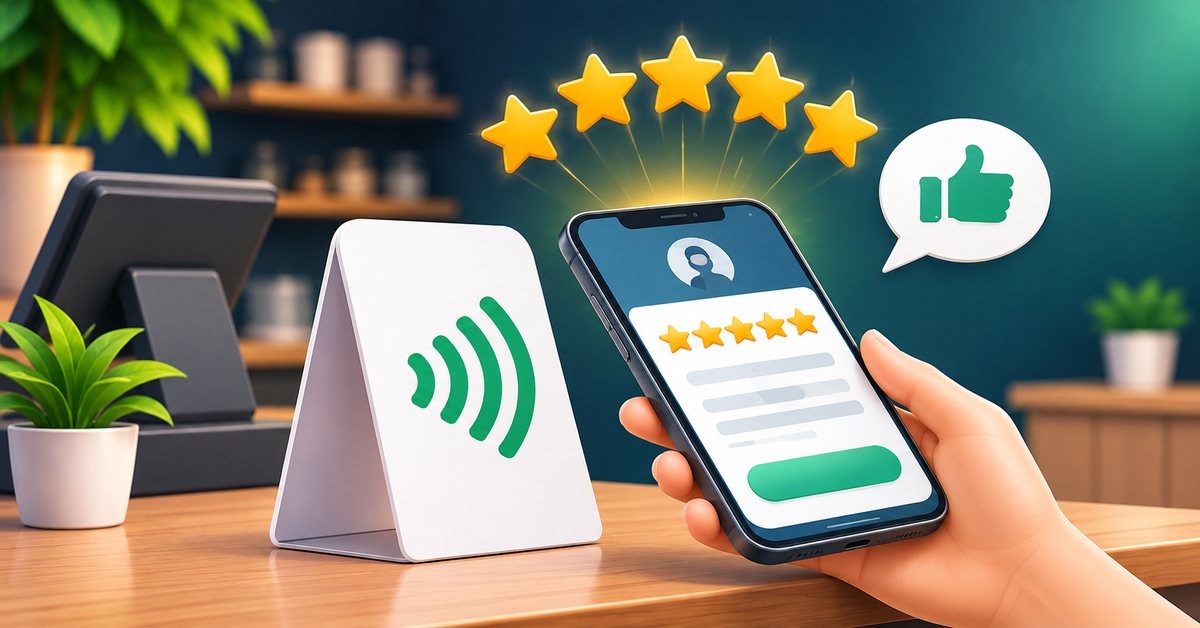
When someone in your area searches for a salon, a dentist or a mobile shop, Google shows a few businesses with star ratings. The ones with more recent reviews usually get the call. The hard part is not that customers dislike you. It is that they forget to write a review, or they cannot be bothered to search for your listing on their phone. A tap-to-review standee removes that friction.
What a tap-to-review standee is
It is a small stand for your counter or table. It holds an NFC chip and usually a QR code. Both point to the direct page where a customer can write a review for your business on Google. The customer taps the stand with their phone, or scans the code, and lands on the review form. There is nothing to search and nothing to install.
Why it helps
Most people who are happy will leave a review if asking takes ten seconds. A review link in a message works, but typing it on a screen is awkward. A physical object at the moment of satisfaction works better because the customer is right there, standing at your counter, still pleased with the service.
Before you buy anything: find your review link
Open Google Business Profile for your shop and look for the option that lets you share a review form. Copy that link. This is the link that the standee should open. If you do not have a Google Business Profile yet, create and verify one first, because without it there is nothing to review.
Where to place the standee
- Billing counter: the moment of payment is when people hold their phones anyway.
- Reception desk in a clinic or salon: while waiting for a receipt or the next appointment.
- Restaurant table or pickup counter: near the bill folder, not in the middle of the food.
- Delivery or service vehicles: a small QR sticker helps for technicians and home services.
Keep it at hand height, facing the customer, and well lit. Avoid placing it next to a card machine where it is easy to confuse with payment.
How to ask, in one sentence
A stand on its own helps, but a polite request doubles the effect. Train your staff to say something simple: "If you liked the service, please tap here and give us a review." Keep it light. Never push a customer who seems unhappy; invite them to share the problem with you directly instead, and fix it.
What not to do
Do not offer money or free items in return for a positive review, and do not write reviews yourself or ask friends to. This goes against Google's rules and can lead to your reviews being removed. Do not ask only happy customers in a way that looks selective; just ask everyone who finished a good experience.
Reply to every review
Reply to reviews within a day or two, thank people by name and keep answers short. When someone writes a complaint, respond calmly, say what you will do and offer a way to contact you. New visitors read replies to judge how you treat people.
Track the effect
Count your new reviews each week for a month. Many owners are surprised to see that the number of reviews rises just from placing a visible, easy option. You will also see patterns in what customers praise, which you can use in your marketing.
Pair it with a digital card
A standee is for reviews. Your NFC business card is for your own contact details and services. Together they cover the two things that new customers want: proof that others trust you and an easy way to reach you. You can see available designs in the Sharevo shop, read how the order and design process works, and compare digital card plans on the pricing page.
A simple weekly routine
- Place the standee where customers already pause.
- Ask every satisfied customer, in one sentence.
- Reply to all new reviews at the end of the week.
- Note one thing customers praise and one they mention as a problem, and act on both.
Do this for a couple of months and your listing starts to look active and trustworthy, which is exactly what people searching nearby are looking for.
FAQ
Do customers need an app to leave a review? No. Their phone opens the Google review page in the browser. They need a Google account, which most Android users already have.
What if the customer's phone has no NFC? They can scan the QR code on the same standee.
Can I change the review link later? That depends on how the standee is set up. Ask our team when you order so the link is set correctly the first time.
Is it allowed to ask customers for reviews? Yes, asking is fine. Paying for reviews or only asking for positive ones is not.