
What to Put on Your Digital Business Card: A Checklist
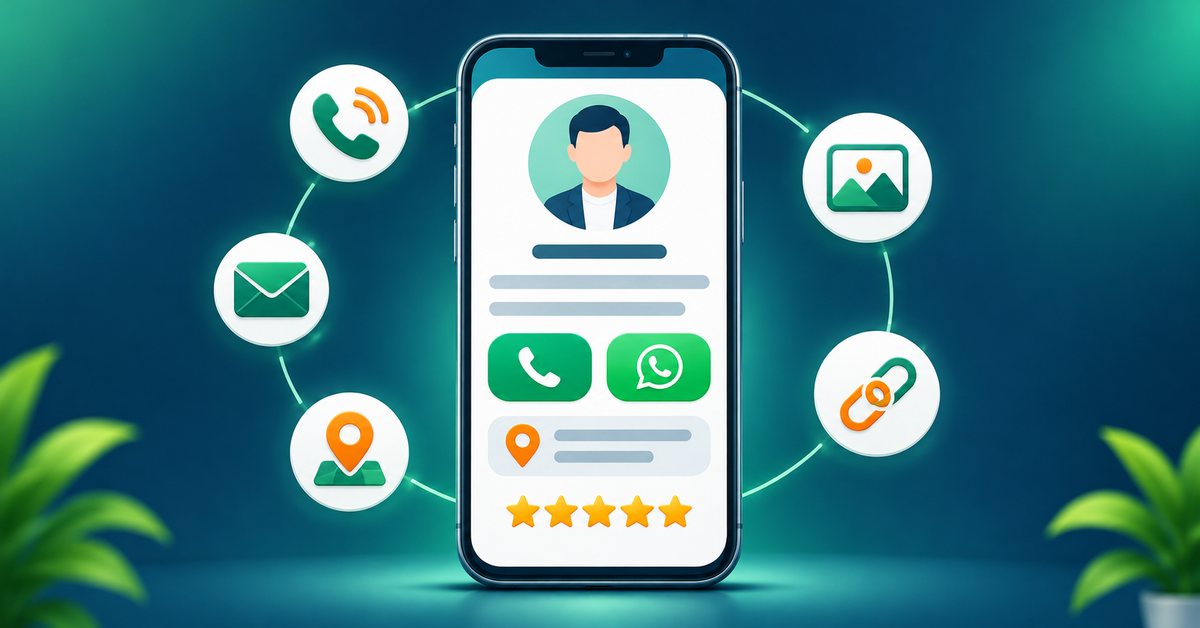
A digital business card is not a bigger paper card. You are not limited by space, so the real skill is deciding what to include and what to leave out. Too little and people cannot act. Too much and they leave. Here is a checklist you can use, followed by suggestions for different professions.
The basics every card needs
- Your name and a clear photo or logo. People should recognise you at once. Use a plain, well-lit photo of your face for personal services, or your logo for a business.
- Your role or one-line offer. "Dentist, Sikar" or "Wedding photographer" tells people why they should stay.
- One main button to contact you. Phone call or WhatsApp, depending on how your customers prefer to talk.
- A "save contact" option. This lets people add you to their phone in one tap, which is what turns a meeting into a lasting lead.
- Email and website, if you have them.
- Location with a map link, if customers visit you.
- Working hours, if you have a shop, clinic or office.
Nice additions
- Social links to the one or two channels you actually use. Do not list five accounts you never update.
- A short about section of two or three sentences. Write what you do and who you help.
- Services or products with short descriptions. Prices help if they are stable.
- Photo gallery of your best work.
- Customer reviews: a link to your Google reviews is better than copying text.
- Enquiry form or appointment booking, if your plan includes them.
- Payment details such as a UPI ID or QR, if you collect payments in person.
Check which of these features are available on your plan on the pricing page.
Checklist by profession
Doctors and clinics: name, qualification and registration details that you are allowed to display, speciality, clinic address and map, timings, appointment or WhatsApp button, and emergency contact only if you actually answer it.
Lawyers and consultants: practice areas, city and courts or regions you serve, a short profile, phone and email, and a simple enquiry form. Keep claims modest and accurate.
Architects, interior designers and photographers: a strong gallery or portfolio link first, then a service list, a short about section and a WhatsApp button for project enquiries.
Real estate agents: a few featured listings, your areas of work, your phone and WhatsApp, a map to your office and a link to your listing page.
Shops and retailers: shop name, address with map, opening hours, product categories, a WhatsApp catalogue link and a payment QR for counter purchases.
Restaurants and cafes: menu link, timings, location, ordering or delivery link and a Google review link.
Freelancers and agencies: services, portfolio, rates only if fixed, tools you work with, and a clear "Hire me" contact button.
Salesperson or field executive: the company logo, your own photo, your territory, product brochure link and a save-contact button, so every handover is clean.
What to leave out
- Home address unless customers need it.
- Personal numbers you do not want clients calling at night.
- Long paragraphs. Use short lines and bullets.
- Outdated links. One broken link makes the whole card look neglected.
- Anything you cannot back up. Do not list awards, client names or numbers you cannot prove.
Writing tips
Lead with what the person gets: "Book a free consultation" works better than "Welcome to my page". Keep button labels short and in the language your customers use. Put your main action at the top so it is visible without scrolling on a small phone.
Make it match your physical card
If you have an NFC card, the printed design should match your page: the same logo, colours and name. People feel they landed in the right place when the card in their hand and the page on their phone look related. You can see physical options in the shop, and the ordering guide explains how the design is agreed before printing.
Review it once a month
Spend five minutes each month to check your phone number, timings, links and gallery. The big advantage of a digital card is that updating it is easy, so use it. Look at your card on your own phone as a stranger would, and ask: can I act within five seconds?
FAQ
How much should I put on my card? Enough for someone to know what you do and contact you in one tap. Everything else is optional.
Should I add prices? Only if they are stable and you are happy to commit to them. Otherwise invite people to ask.
Can I change the card after sharing it? Yes. The link stays the same and shows your latest details.
Do I need a logo? It is not required. A clear photo works well for personal services.